
What Is a Court Docket in Hillsdale County
A docket is the court's official schedule of events for cases. In its simplest public form, it answers a plain question: which cases are being heard, on what date, and before which judge. A Hillsdale County docket display lists the hearings set for a chosen day, the judge assigned, and the case events that fill the courtroom calendar. It is a snapshot of activity, not the full paper trail behind each matter.
That distinction matters. A docket points you to a hearing and a party, while the full case file holds the motions, orders, and other documents. The circuit, district, and probate courts each keep their own calendar, so a divorce hearing shows up on a different display than a small-claims or probate matter. Because the county's trial courts share Michigan's statewide systems, their public docket pages all look and behave the same way.
A written transcript is a separate step. When a hearing produces a verbatim record, the Circuit Court and Probate Court route transcript orders through Modern Court Reporting and Video, LLC, rather than the docket display. So the calendar tells you a hearing happened, but the word-for-word record of what was said is ordered through that vendor.
How to Find Hillsdale County Dockets Online
The county keeps docket pages for each trial court, and those pages link to Michigan's public court-display tool. The Circuit Court docket page, the District Court docket page, and the Probate Court docket page each open a state-hosted display. The circuit display sits at micourt.courts.michigan.gov, and the probate display is at its own court-display link.
These displays are driven by a date rather than a name. You pick a day, and the page shows the hearings scheduled for it. That makes the tool best for confirming a court date you already expect.
- Start from the county docket page for the circuit, district, or probate court you need.
- Open the linked state court-display page for that court.
- Use the RequestDate picker, the Today button, or the arrows to move to the day you want.
- Read the public event table for the judge, the parties, and the hearing set for that date.
If you need to search by a person's name or a case number instead of a date, the Hillsdale County court records portal is the better route, since it is built around party and case-number lookups.
Sample Hillsdale County Docket Display
The public court-display pages share a small, fixed set of controls. Once you know them, moving between days and courts takes only a click or two. The table lists the fields captured from the live Hillsdale County circuit and probate displays.
| Field | What It Shows |
|---|---|
| Judge Name | The judge hearing cases on the display |
| RequestDate | The date picker that drives the whole page |
| Today Button | Jumps the display to the current day |
| Yesterday / Tomorrow Arrows | Step the calendar back or forward one day |
| Public Event Table | Lists the hearings set for the chosen date |
The probate calendar uses the same layout. The county Probate Court docket page shown below is the doorway to that display.
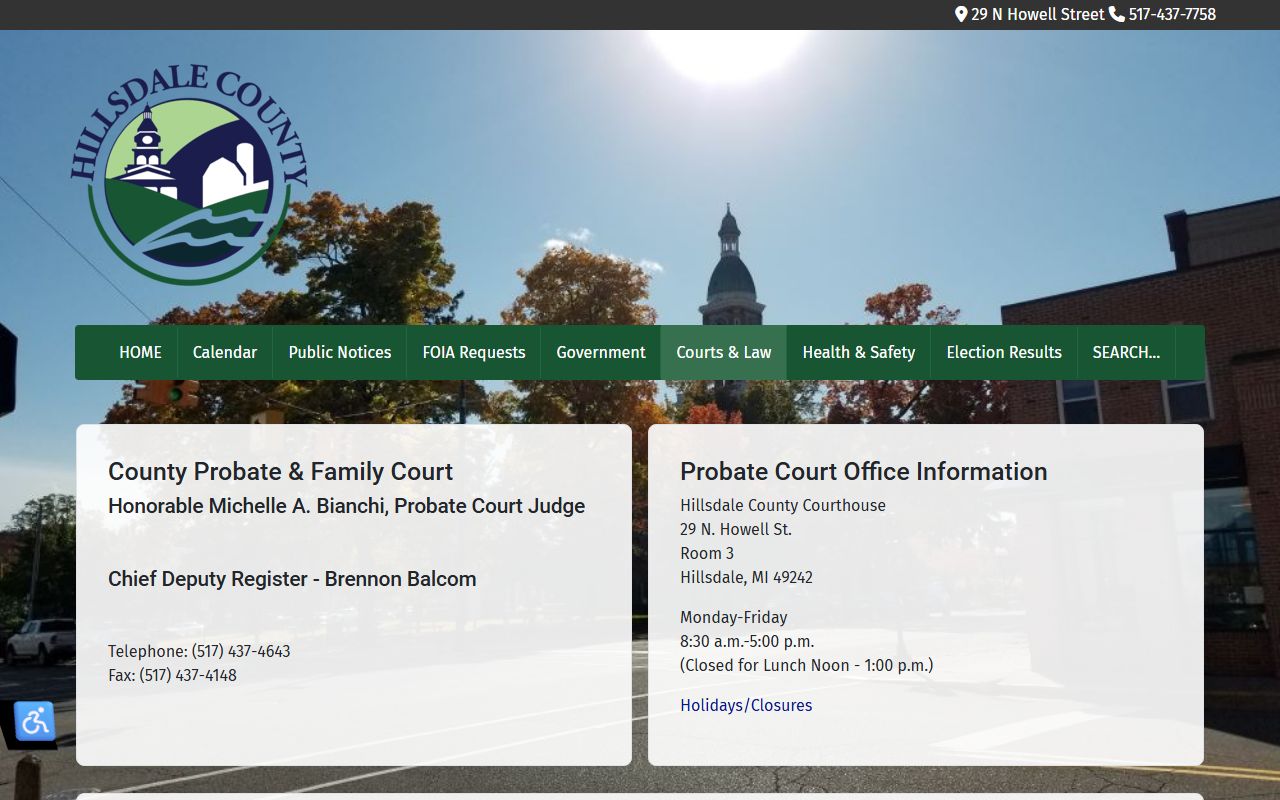
From that page, the probate display opens with the same RequestDate picker and event table used by the circuit court. One layout serves every trial court in the county.
Courts That Publish Dockets in Hillsdale County
Three trial courts drive the county's public calendars, and each maps to a slice of the caseload. The 1st Judicial Circuit Court handles felonies, divorces, and higher-value civil disputes. The 2B District Court carries misdemeanors, small claims, and traffic tickets. The Probate and Family Court hears estates, guardianships, conservatorships, and adoption matters. Every one of them posts a date-driven display through the state system.
- Circuit Court, for felony, divorce, and larger civil hearings.
- District Court, for misdemeanor, small-claims, and traffic hearings.
- Probate and Family Court, for estate, guardianship, and adoption hearings.
Remote appearances are now part of the picture. The Circuit Court may hold some hearings by Zoom or stream them on its YouTube channel, so a docket entry can point to a video link rather than a room. District court remote-participation guidance uses Zoom or WebEx, and it asks participants to test their camera, microphone, and speaker before the hearing. Probate hearings follow the same state display format as the others.
Note: A remote hearing is still an extension of the courtroom, so a Zoom or WebEx entry on a docket carries the same weight as an in-person date.
Docket vs. Full Case Record
People often use the words docket and case record as if they mean the same thing. They do not. A docket is a list, keyed to dates and events, while the full case record is the stack of documents behind those events. The docket tells you a motion was filed; the case file lets you read it. The comparison below sets the two side by side.
| Docket | Full Case Record | |
|---|---|---|
| Format | Date-driven list of hearings and events | Full motions, orders, and filings |
| Access | Public court-display page, free | May need a direct court request or fee |
| Best Use | Confirm a court date and judge | Review filings, evidence, and outcome |
| Where | State court-display pages | MiCOURT case search or the court office |
For felony and divorce filings, the underlying documents live with the Hillsdale County Circuit Court, which handles record requests directly when a file is not online.
How to Read a Hillsdale County Docket
Reading a docket goes faster once the shorthand makes sense. A display centers on the judge name, the chosen date, and the event table, so start there. The judge name confirms the courtroom, and the RequestDate confirms the day. Each row in the event table stands for a scheduled matter, and a remote hearing may carry a video link in place of a room number.
One quirk is worth knowing. The public display is date-driven and does not produce a static PDF calendar. In research, a direct data request to the display returned empty content, which reflects how the tool works rather than a broken page: it builds the list live for the date you pick. If a chosen day shows no rows, try the Today button or step forward with the arrows to reach a day with scheduled hearings.
When you need more than a hearing date, move to the case search, where status codes like pending, disposed, and closed describe where a case stands. The docket and the case file work together, one for timing and one for detail.
Docket Limits and Excluded Cases in Hillsdale County
Not every case reaches a public Hillsdale County docket. Michigan law keeps whole categories of matters off the public display and the statewide case search. Adoption files, juvenile and child-protective proceedings, personal protection orders, mental illness cases, name changes, and wills are among the case types the state portal does not show. A hearing in one of those matters can be very real and still never appear on a page you open from home. The court office holds those files under rules that limit who may see them.
Timing adds another limit. The state case-search notes that some courts show criminal convictions only when sentencing fell within seven years of the search, and it marks attempt-to-commit charges with a special code. A docket that comes back empty does not always mean nothing is scheduled. It can mean the case is shielded, the date is wrong, or the record sits outside the public window. When a matter clearly exists but will not display, a direct call or visit to the right court is the reliable path.
Note: A blank Hillsdale County docket result can signal a sealed case type rather than no hearing, so confirm sensitive matters with the court office.
Remote Hearings on the Hillsdale County Docket
A growing share of Hillsdale County hearings happen by video. The Circuit Court may hold some matters remotely and stream others on its YouTube channel, while the 2B District Court follows written remote-participation guidance built on Michigan Administrative Order 2020-6. A docket entry for one of these cases can list a Zoom or WebEx link instead of a courtroom number, so reading the entry closely matters. Probate hearings use the same public display, and a remote note can appear there too.
Preparation keeps a remote date from going sideways. The district court asks participants to know their software and to test the camera, microphone, and speaker before the hearing, and it warns that the session is an extension of the courtroom. Dress and conduct still count. The district court has said improper attire can lead to an adjournment, even on a screen. A short checklist covers the basics.
- Check the docket entry for a Zoom, WebEx, or YouTube link and the assigned judge.
- Install and test the video software, camera, and microphone ahead of time.
- Join on time, dressed and ready as you would be for an in-person courtroom appearance.
When a docket entry is unclear, the clerk or the court office can confirm whether a hearing is set to run in person or by video before the date arrives.